
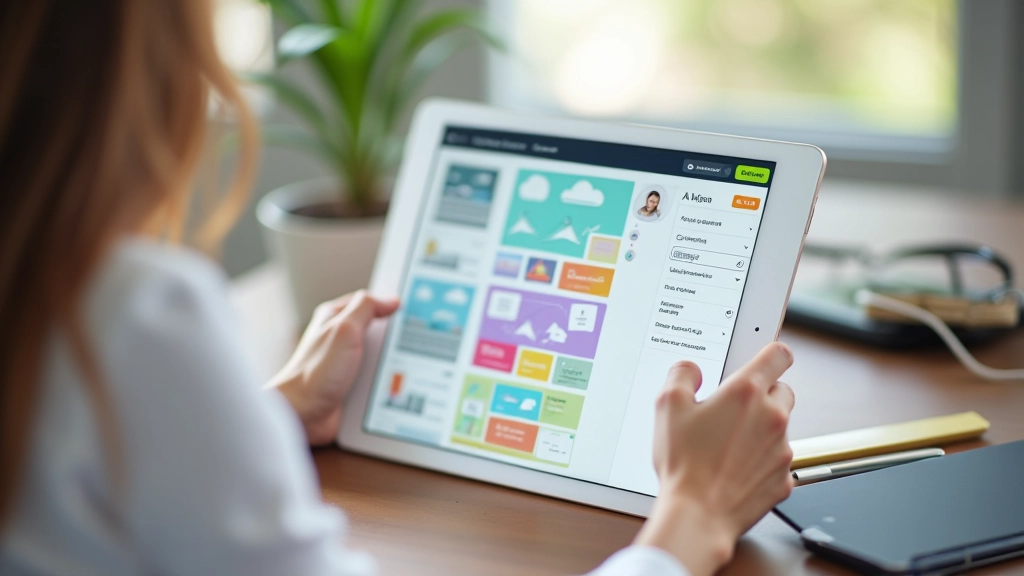
Choosing the Right WordPress Theme for Your Business
How to evaluate themes based on speed, support, and customization options. We’ll walk through five popular options used by Malaysian agencies.
Read MoreMaster the essentials of building professional websites in Malaysia. We’re covering everything from theme selection to custom site functionality — practical knowledge you can use right away.
In-depth guides and practical tips for WordPress development
How to evaluate themes based on speed, support, and customization options. We’ll walk through five popular options used by Malaysian agencies.
Read More
Not every design lives in a theme. Learn where to safely add custom code without breaking your site during updates.
Read More
Mobile traffic dominates in Malaysia. We’ll show you how to test and fix responsive issues that visitors actually complain about.
Read More
Overwhelmed by plugin choices? We’ve tested what actually works. Here’s the toolkit that covers ninety percent of real-world needs.
Read More“WordPress doesn’t have to mean compromising on design. The right approach — clean theme selection plus thoughtful customization — creates sites that look expensive and perform well.”
Follow these steps when customizing or designing a WordPress site
Define your pages, content types, and navigation before touching WordPress. What you build now becomes easier to customize later.
Choose a theme that’s actively maintained and provides eighty percent of what you need. Avoid themes with unnecessary features you’ll never use.
Most themes have built-in customization options. Use these first before writing custom CSS — they’re safer and easier to maintain.
Forms, galleries, SEO tools — plugins handle these without custom code. Test each one on a staging site first to catch conflicts early.
Only write custom CSS or PHP for features that plugins and theme options can’t handle. Keep it organized in a child theme.
Check responsiveness across devices. Run speed tests. Fix any broken links or styling issues before launch.